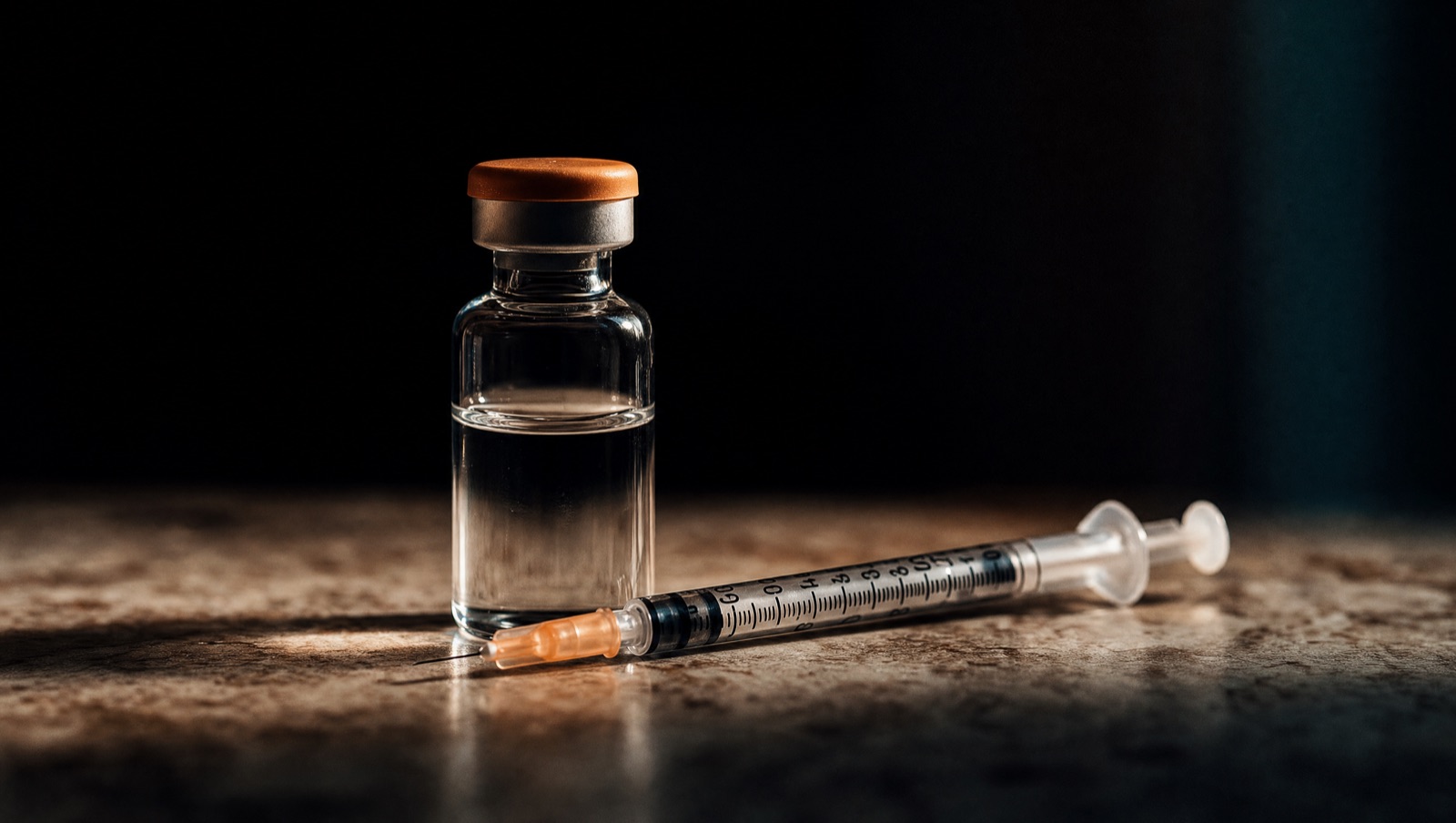
Reconstitution math, explained
Three formulas turn a vial label into an exact draw. Here's how they fit together — with a worked example you can check by hand.
- Concentration = vial amount ÷ diluent volume (mg/mL)
- Draw volume = target dose ÷ concentration (mL)
- Syringe marks = draw volume × 100 on any U-100 syringe
- Convert mcg → mg before you start: 250 mcg = 0.25 mg
- Sanity-check: draws under 0.02 mL or over 2.0 mL deserve a second look
You don't need to be good at math. You need the same three steps, in the same order, every time.
Three numbers, one draw
Every reconstitution question reduces to three quantities: what’s in the vial, how much liquid you added, and how much you intend to take. Once the concentration is fixed, every future dose is a single division.
The example below uses a 5 mg vial, 2.5 mL of bacteriostatic water, and a 250 mcg target — the same numbers you can type into Amidra’s calculator to verify.
The same four steps, every time
- Convert the dose to mg — mcg ÷ 1,000. Most draw errors begin life as unit errors.
- Compute concentration once per vial and write it on the label. It doesn't change until you reconstitute again.
- Divide dose by concentration to get the draw in mL.
- Multiply by 100 for units on a U-100 syringe — and verify the mark before you draw.
By hand vs. in the app
- Unit conversion in your head, at 6 AM
- Concentration recomputed from memory
- No flag when a draw looks wrong
- The result lives on a sticky note
- Type vial, diluent, dose — read the draw
- Concentration saved with the vial
- Flags tiny, oversized and near-capacity draws
- Result logged with one tap
| Syringe | Capacity | Full scale | One unit |
|---|---|---|---|
| U-100 · 1.0 mL | 1.0 mL | 100 u | 0.01 mL |
| U-100 · 0.5 mL | 0.5 mL | 50 u | 0.01 mL |
| U-100 · 0.3 mL | 0.3 mL | 30 u | 0.01 mL |
| Standard · 3.0 mL | 3.0 mL | 300 u | 0.01 mL |
The math isn't hard. Doing it half-awake, every day, without a slip — that's the hard part.
Before you draw, check
- The vial label matches the protocol — right compound, right total mg
- The diluent volume is the one you actually injected into the vial
- The units on the syringe match the math — 12.5 u, not 1.25 or 125
If the numbers disagree
- Re-check the unit toggle — mcg vs mg is the usual culprit.
- Re-check the diluent volume against what you recorded at reconstitution.
- Recompute from the top. Never split the difference.
Common questions
Does Amidra recommend doses or schedules?
No. Amidra only converts and tracks the values you enter. Every protocol, dose and schedule comes from you and your clinician — the app never suggests a compound, dose, or timing.
Which syringes does the calculator support?
U-100 insulin syringes in 1.0, 0.5 and 0.3 mL, plus a standard 3 mL syringe. Marks are computed at 100 units per mL, and near-capacity draws are flagged.
Where does my data live?
On your device. There is no account and no cloud sync. You can export everything to a file, or delete it all, at any time.
Is Amidra free?
The calculator, your first protocol, logging and site rotation are free. Amidra+ adds unlimited protocols, trend charts and export.
Keep reading
 Why a calculator is the heart of AmidraMost trackers start with streaks. We started with the moment of maximum error: the draw.Read →
 Site rotation that actually sticksWhy rotating matters, the four zones that work, and a recency system that beats memory.Read →
 5 on, 2 off: cycles without the calendar puzzleHow on/off schedules work — and how to keep weekends from wrecking them.Read →